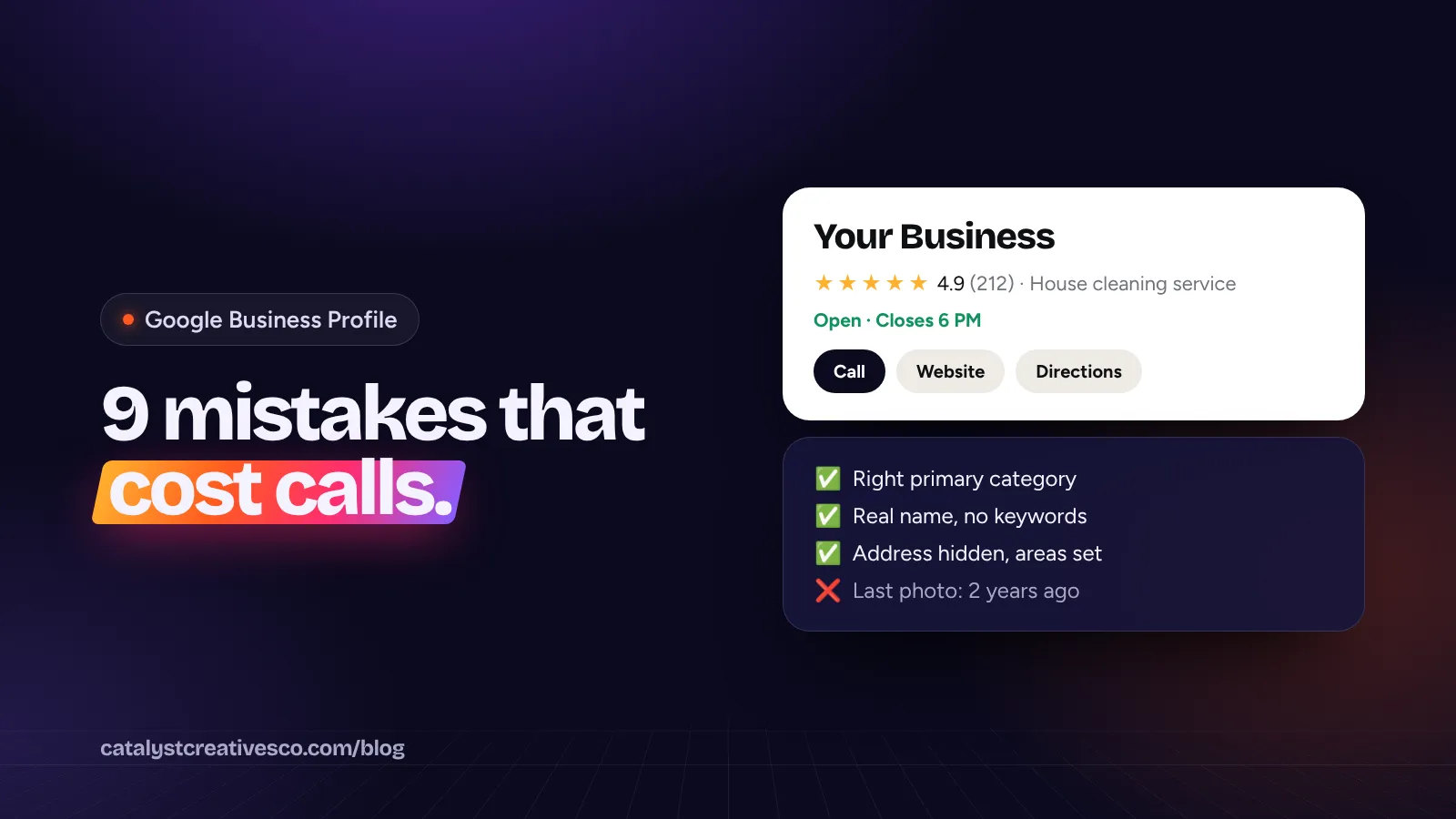
Your Google Business Profile is the box that shows up in Google Maps and on the right of search results, with your reviews, hours, photos and a call button. For most local service businesses it brings in more calls than the website does. It's also where we find the most avoidable mistakes.
Here are the nine we see most often, and how to fix each one. Most take less than ten minutes.
1. The wrong primary category
Your primary category is the strongest signal you give Google about what you do. Google's guidelines say to use as few categories as possible to describe your core business. Pick the most specific one that fits your main work. "House cleaning service" beats "Cleaning service" if homes are your bread and butter. "Pest control service" beats "Exterminator" if that's what the top competitors in your area use.
Fix: search your main service in Google Maps, note the categories the top three businesses use, and choose the most accurate match. Add a few secondary categories only for work you really do.
2. Keywords or city names stuffed into the business name
"Bright Home Cleaning | Best Maid Service Dallas TX" might get a short bump. It also breaks Google's rules. The guidelines say including unnecessary information in your business name isn't permitted, and they list taglines, service descriptions and location details as examples. Competitors can report you, and profiles get suspended for it.
Fix: use your real business name, exactly as it appears on your signs, vans and paperwork.
3. Showing a home address
If you go to customers instead of them coming to you, you're a service-area business. Google says you should hide your business address from customers and set the areas you serve instead. Showing a home address can trigger re-verification or a suspension. It also puts your home on the map, which most owners don't want.
Fix: in your profile, clear the address from the public view and add your service areas by city or ZIP code.
4. A service area that's too big
Listing every county in the state doesn't make you rank in all of them. Google's guidelines say your service area shouldn't extend farther than about 2 hours of driving time from where your business is based. Distance from the searcher is still one of the three main ranking factors, whatever you list.
Fix: list the towns where you really want work and can get to quickly. Then win those, one at a time.
5. Using a virtual office
Renting a mailbox or a virtual office in a bigger city to "be there" is a common trick. It's also one of the quickest ways to lose a profile. Google says a service-area business can't list a "virtual" office unless that office is staffed during business hours.
Fix: only list locations where your team actually works.
6. Wrong or missing hours
If your profile says you're closed, many people won't call. If it says you're open and nobody answers, you lose them anyway. Add holiday hours too: Google often asks customers to confirm whether a business is open, and a wrong answer makes your profile look unreliable.
Fix: set the hours you actually answer the phone. If you take emergency calls 24/7 and someone (or something) really answers, say so.
7. A handful of old, dark photos
Customers want to see your vans, your crew, your work and your face. Photos of real jobs (before and after, a finished kitchen, a crew in uniform) do more than stock photos ever will. Google's own tips list adding photos and videos as a way to stand out.
Fix: add a few new photos from real jobs every month. Get your team to snap them at the end of each job.
8. Ignoring reviews, or replying with the same line every time
Customers notice. In BrightLocal's 2026 survey, 89% of consumers said they expect businesses to respond to reviews, and half said generic or templated replies put them off. Replying to a bad review calmly, with a fix, often wins more trust than the bad review cost you.
Fix: reply to every review within a few days. Mention the job, thank them by name, keep it short. For the bad ones, apologize for the experience, give a way to reach you, and take it offline. Our guide to getting more Google reviews the right way covers the asking side.
9. Relying on features that are gone
Google changes the profile often, and a lot of advice online is out of date. Two recent examples:
- Chat is gone. Google ended Business Profile chat in July 2024. If you were counting on messages, make sure customers can call, text or book from your website instead.
- Q&A has been replaced with AI answers. Google started removing the public Questions and Answers section at the end of 2025, replacing it with an "Ask" feature that builds answers from your profile and your reviews.
That second change matters. If Google's AI is going to answer questions about your business, it needs good material to work from: a full description, a complete services list, accurate attributes, and plenty of recent, detailed reviews.
Fix: fill in every field you can, including services with short descriptions. Write your description in plain words: what you do, who for, and where.
A quick monthly check
Once it's set up, a profile needs about 20 minutes a month:
- Reply to any new reviews.
- Add a few new job photos.
- Check hours, especially before holidays.
- Look for suggested edits from Google or the public, and reject anything wrong.
- Search your main service in Maps and see where you show up.
Want a second pair of eyes?
Our free Growth Needs Assessment includes a full review of your profile against the top three businesses in your area. If you'd rather not deal with it at all, our Google Business Profile service sets it up properly and keeps it fresh every month.